Progress your way.
Progress tracks your workouts, automates progressive overload, calculates your plate loads, and builds AI-powered programs — so you can focus on lifting.
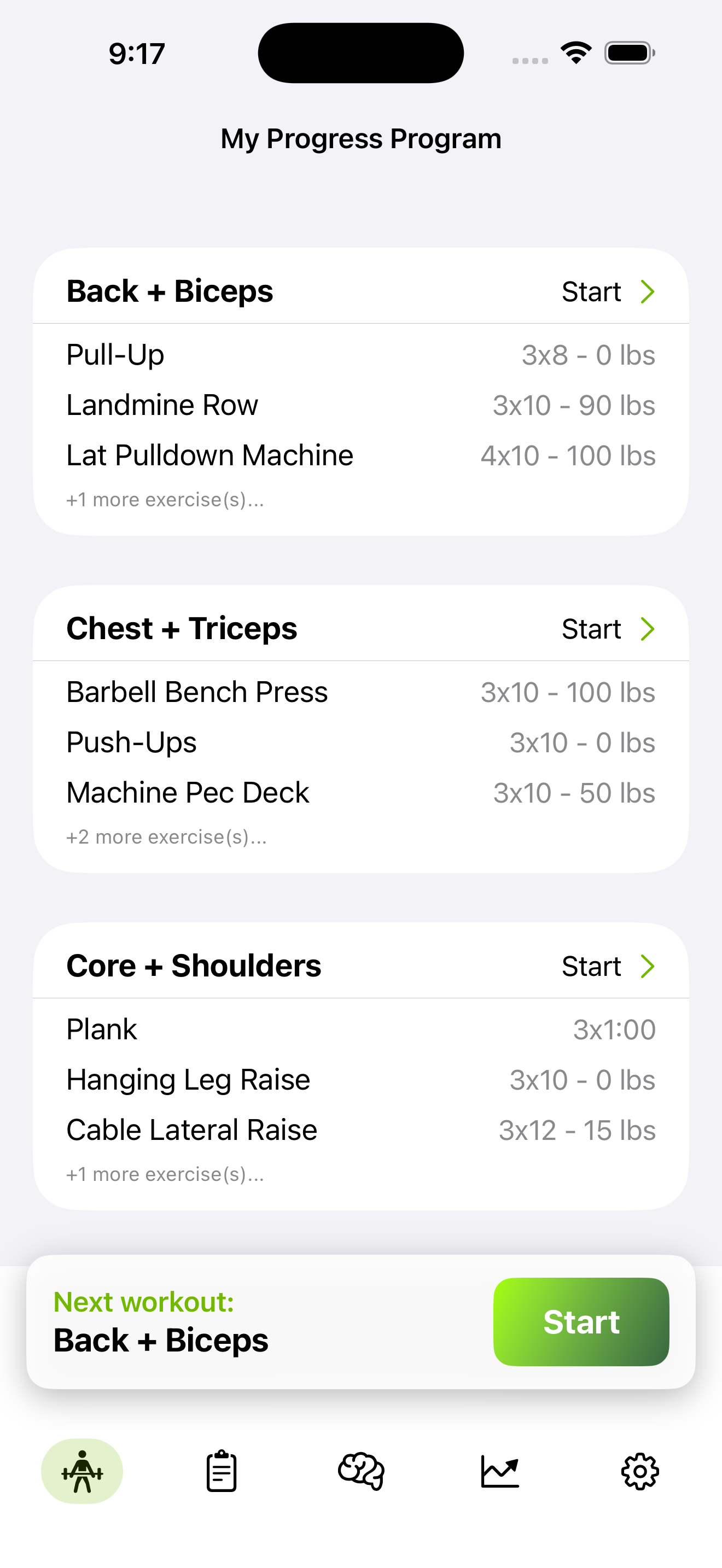
Progress tracks your workouts, automates progressive overload, calculates your plate loads, and builds AI-powered programs — so you can focus on lifting.
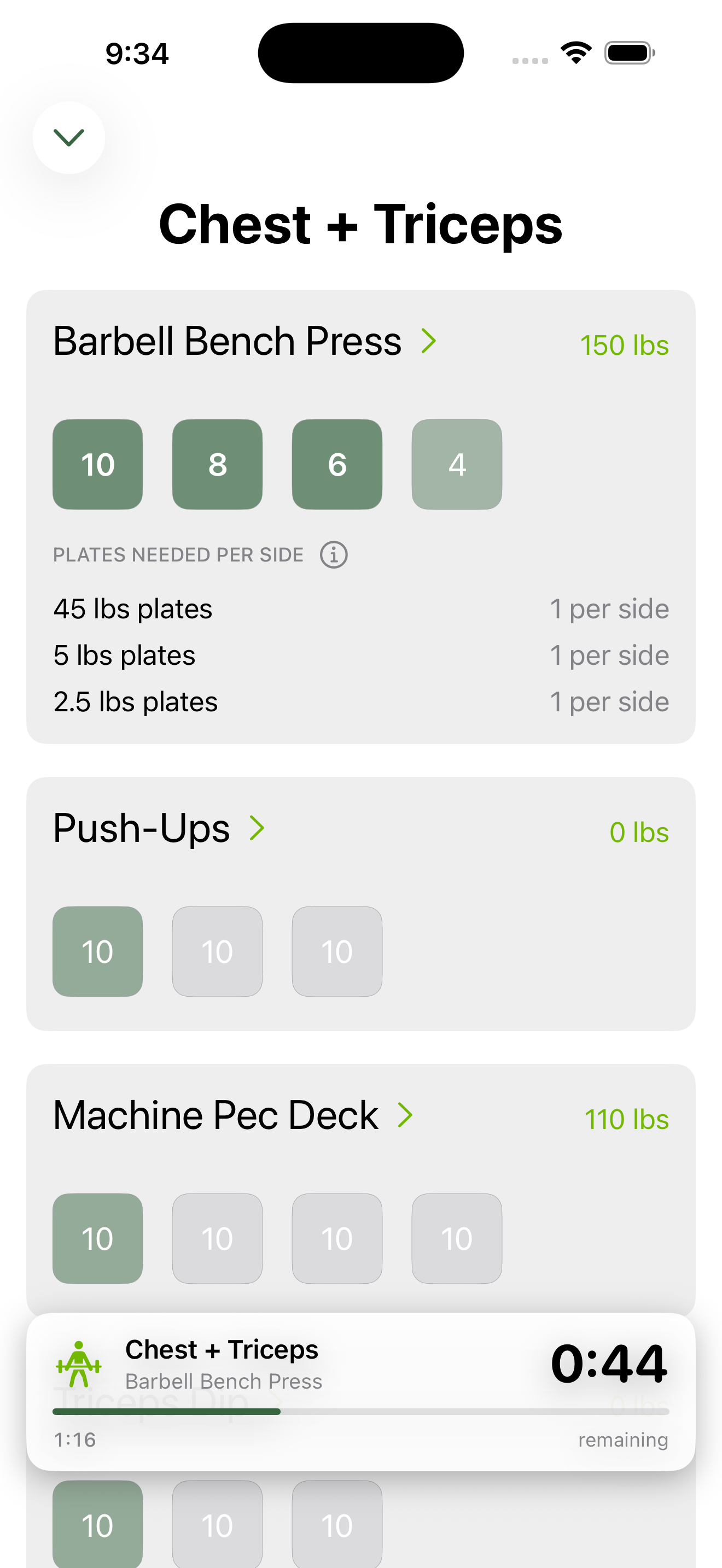
Log every set, rep, and weight with a clean, distraction-free interface — every rep tracked, rest timer built in.
Takes the guesswork out of your training — generate an AI program, workout, or nutrition plan built specifically for you.
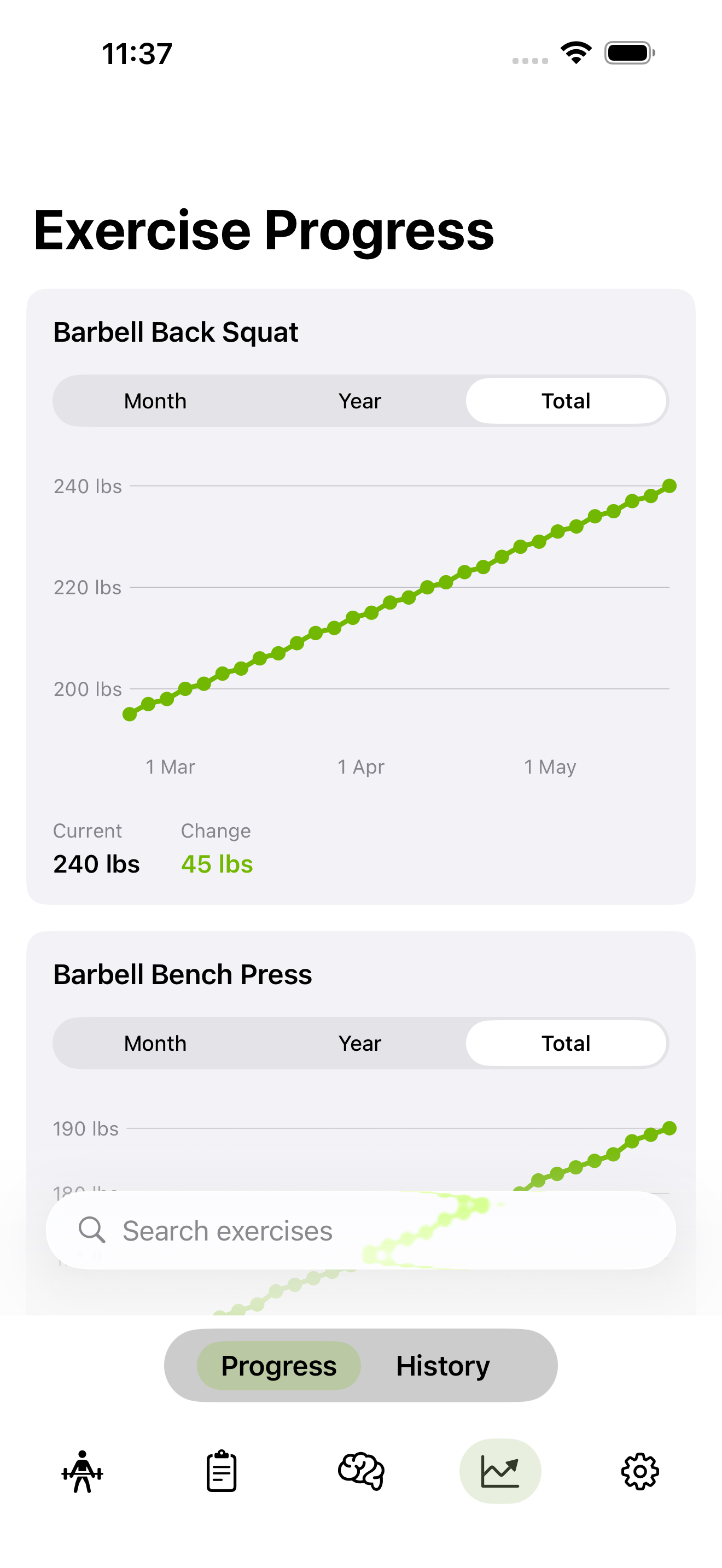
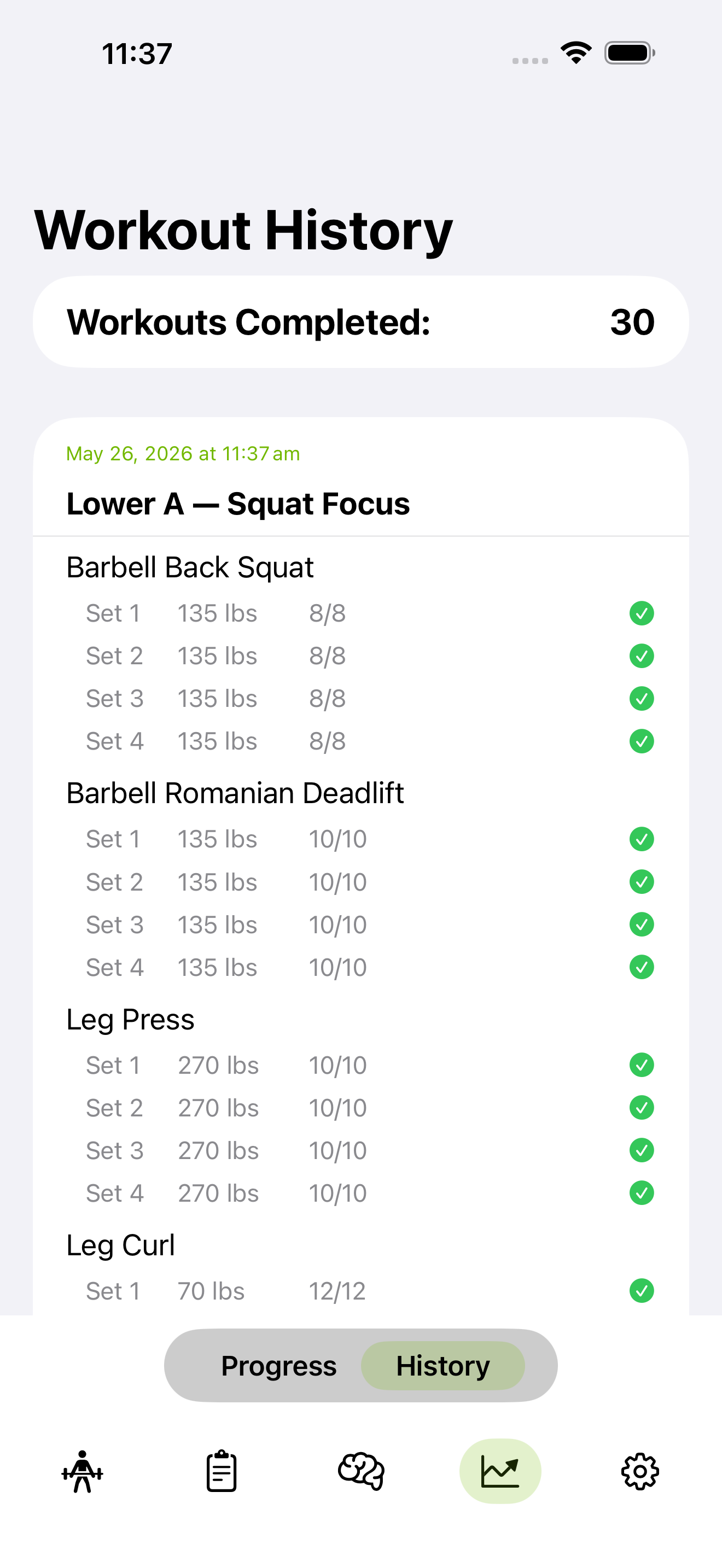
Every workout logged. Every set recorded. Per-exercise charts show exactly how your strength has grown over time.
Apple Watch companion, Health sync, lock screen rest timers, and home screen widgets.
Workout Tracking
Advanced Training
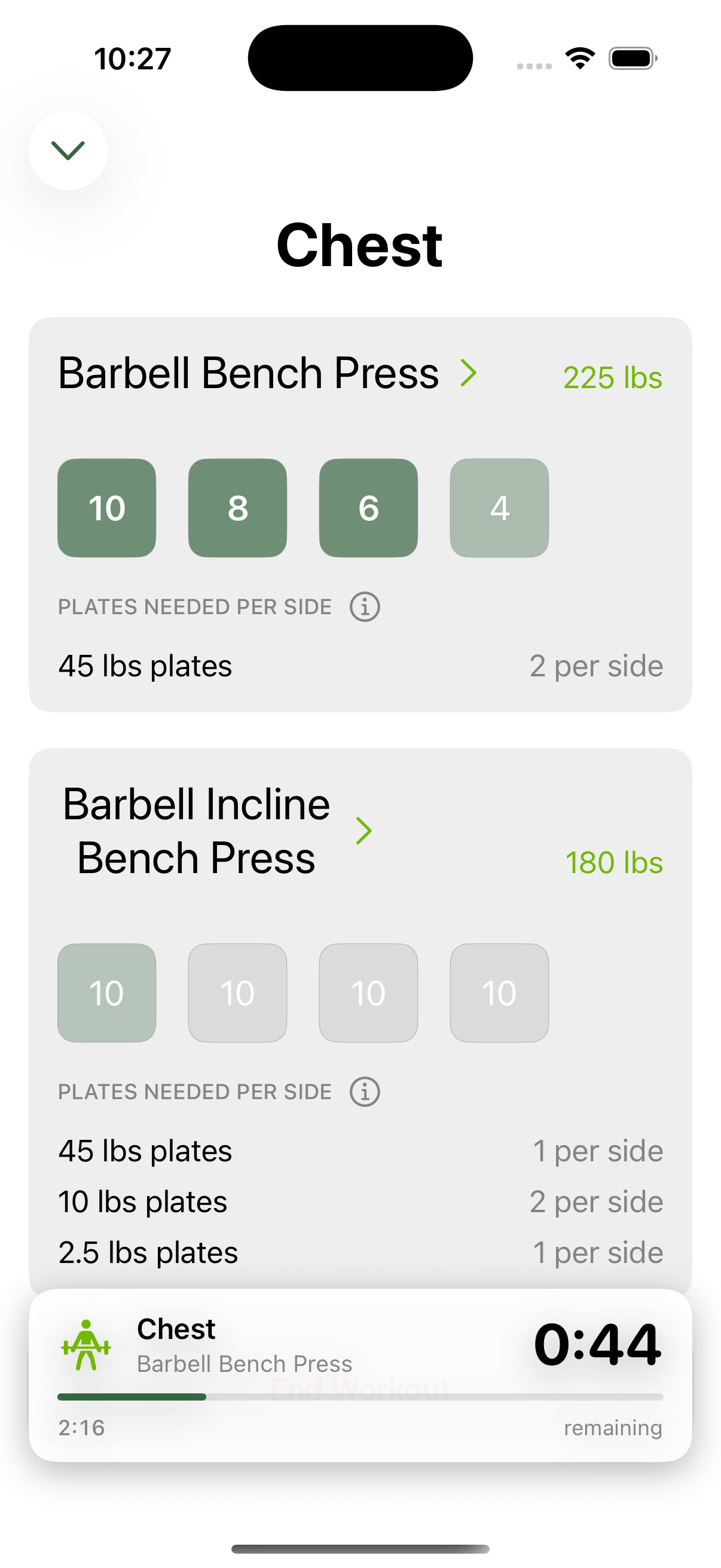
Assign each set its own weight and rep target. A classic ascending pyramid starts light with more reps and works up to heavier weight with fewer reps — for example: Set 1 at 10 reps and 210 lbs, Set 2 at 8 reps and 215 lbs, Set 3 at 6 reps and 220 lbs, Set 4 at 4 reps and 225 lbs. The app tracks every set individually, shows which is next, and the plate calculator updates for each set's weight automatically.
Group two or more exercises together to perform back-to-back with no rest between them. During your workout, a bottom bar always shows which exercise is next in the sequence — so you never lose your place mid-set. Rest only starts after the full superset is complete.
The most important variable for building strength over time. Set a weight increment per exercise — for example +5 lbs for Squat, +2.5 lbs for Curl — and the app automatically adds the increment after a successful session. Hit all your reps? Weight goes up next time. Fall short? It stays. No manual tracking required.
Built for how you actually train
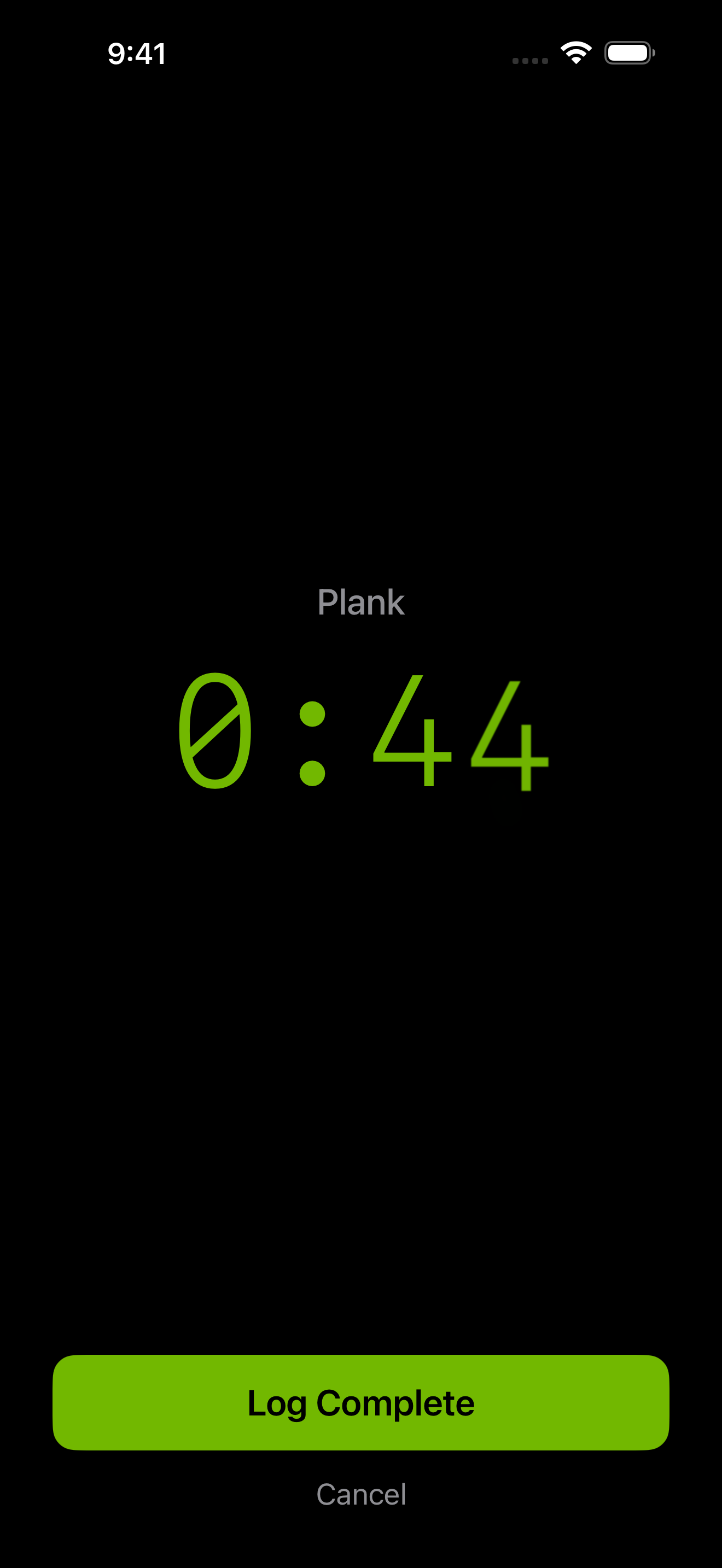
Duration exercises
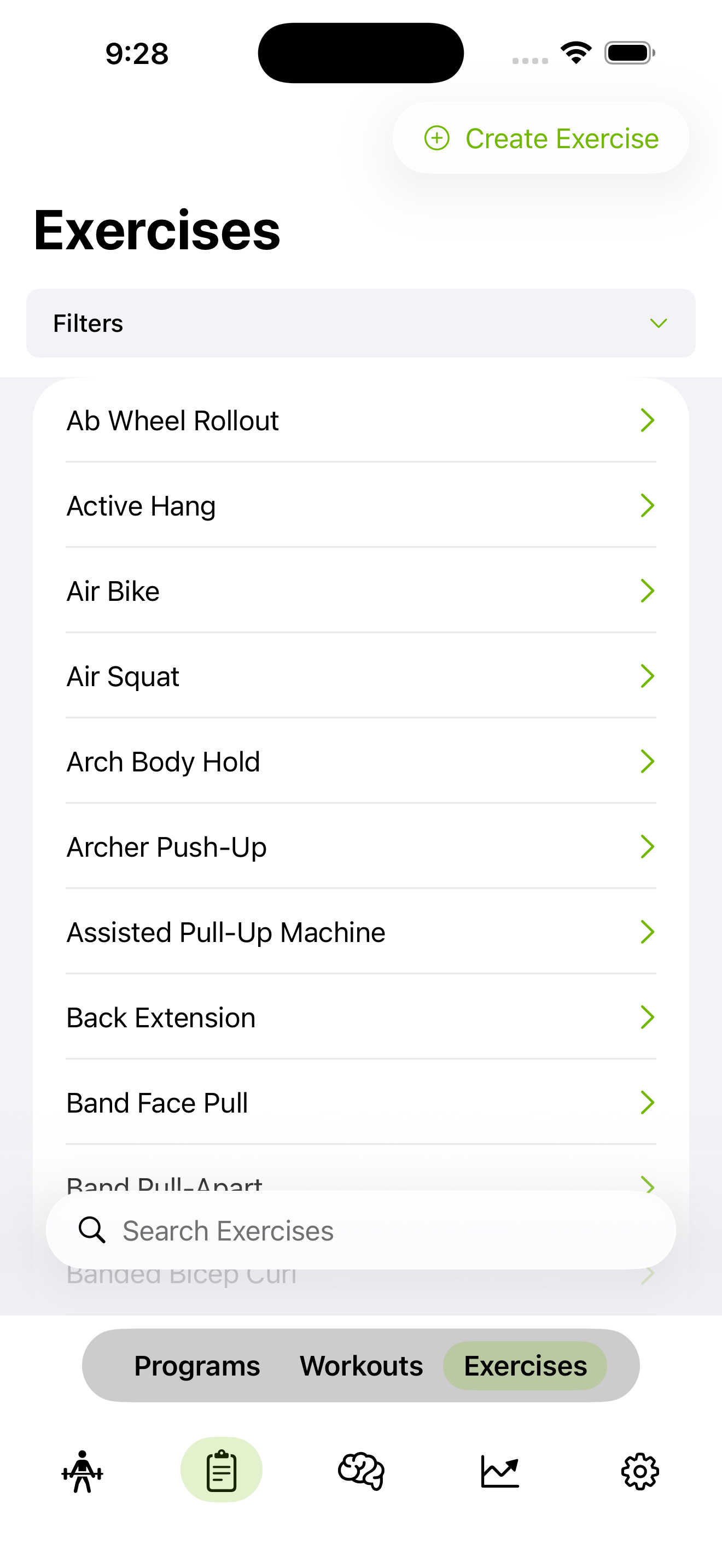
Exercise library
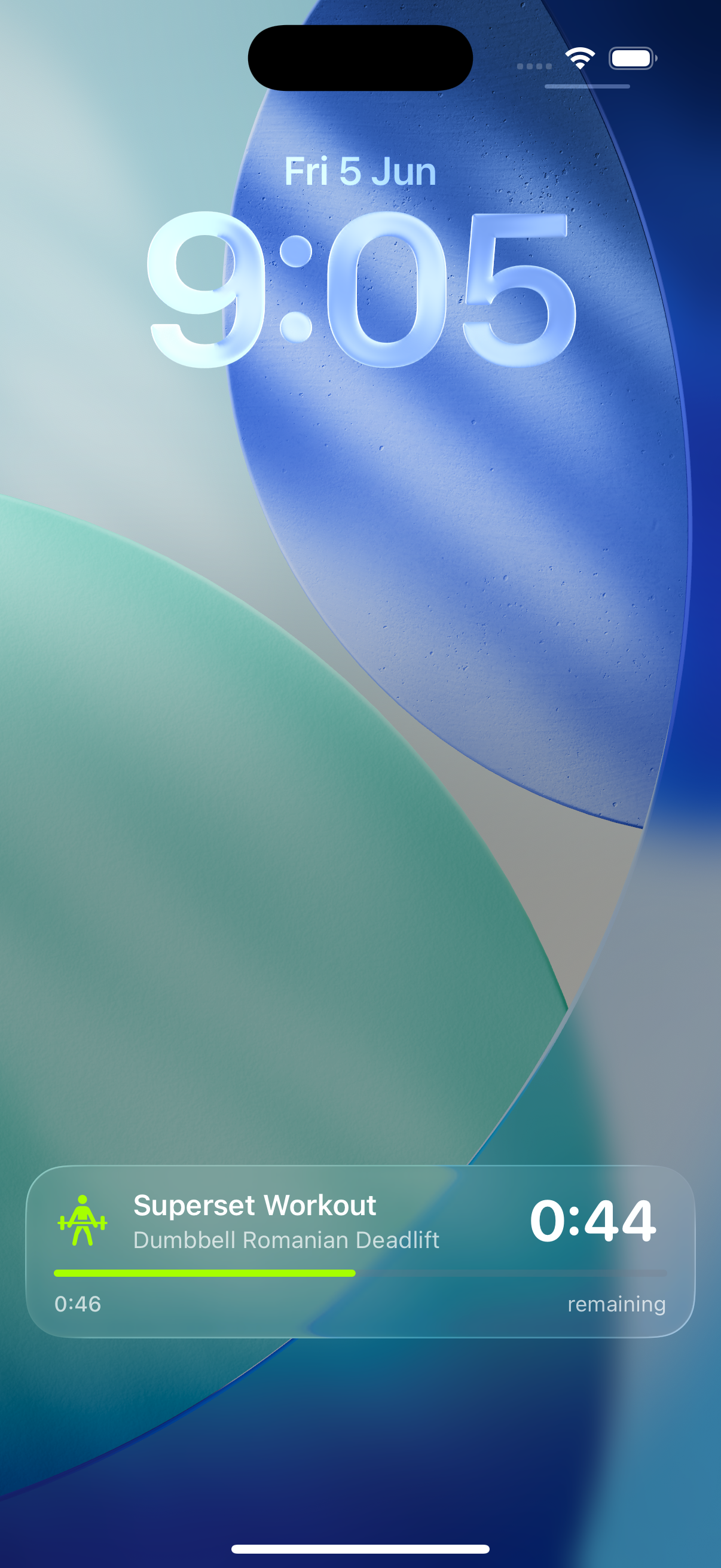
Rest timer on lock screen
AI Coaching & Planning
Answer a few questions — your experience level, how many days a week you train, what equipment you have, your goals, and anything else the AI should know (injuries, preferences, schedule constraints). The AI builds a complete multi-week training program specifically for you: the right exercises, volume, and progression for your situation. Not a template. If something isn't right, ask the AI to adjust it.
Tell the AI what you're trying to achieve — muscle gain, fat loss, improved performance, or a combination — along with any dietary preferences, restrictions, or allergies. It builds a personalised nutrition plan with calorie targets, macros, and meal guidance matched to your goals. Export the full plan as a PDF to keep on hand wherever you go.
Have a conversation with a training coach that knows your history and program. Ask about exercise form, how to structure a deload, whether to increase volume, or anything else about your training. The answers are based on where you actually are — not generic advice.
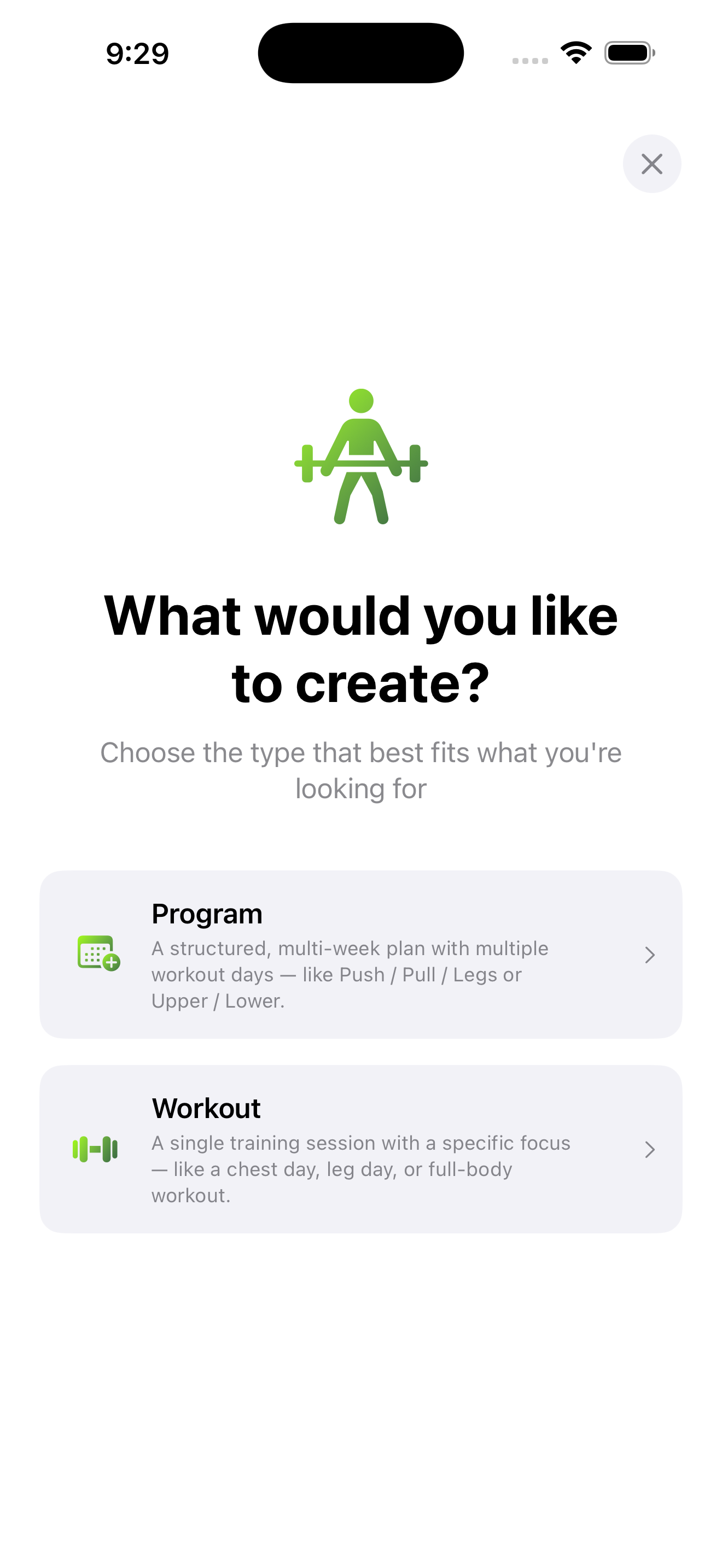
History & Progress
Themes
Choose from four themes — Forest, Ocean, Bloom, and High Contrast — to personalise the look of the app.
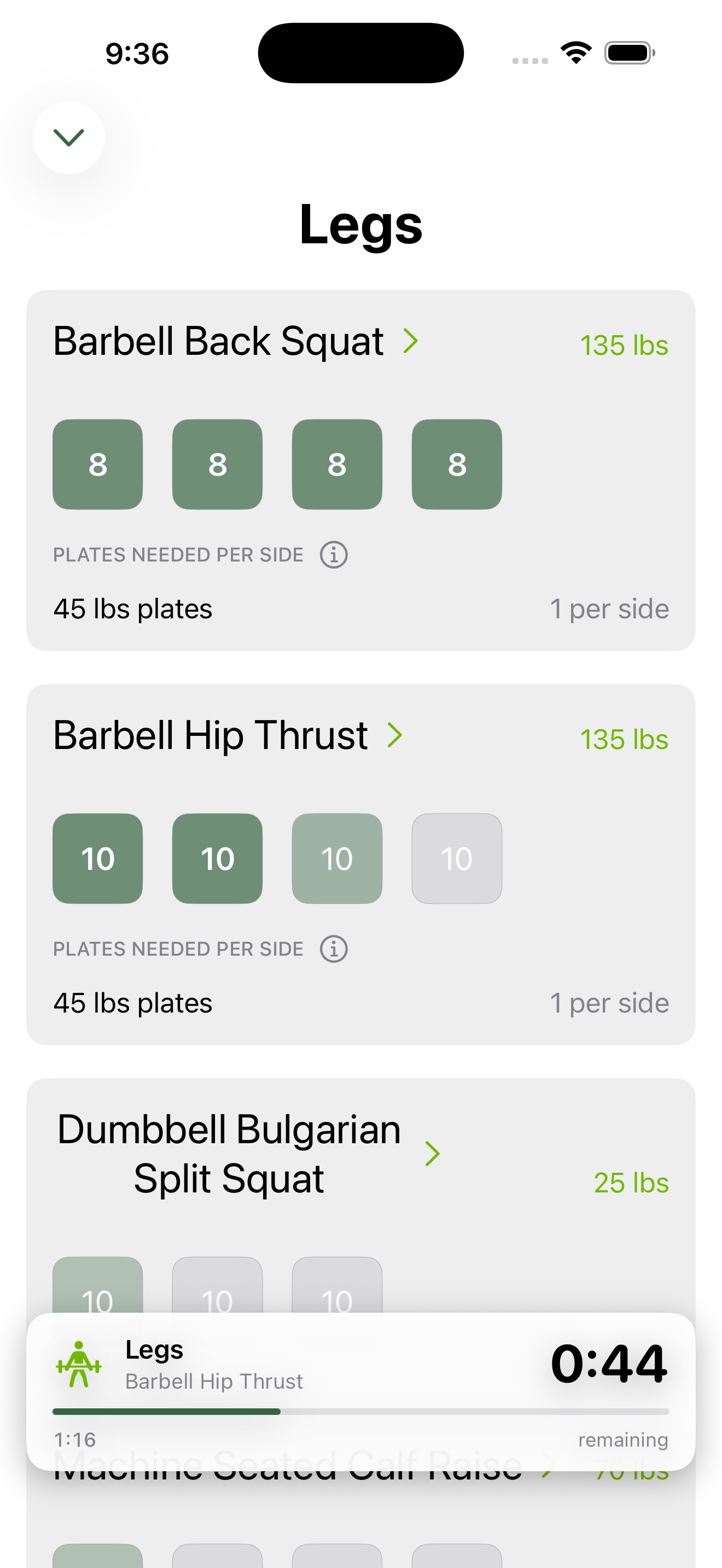
Forest
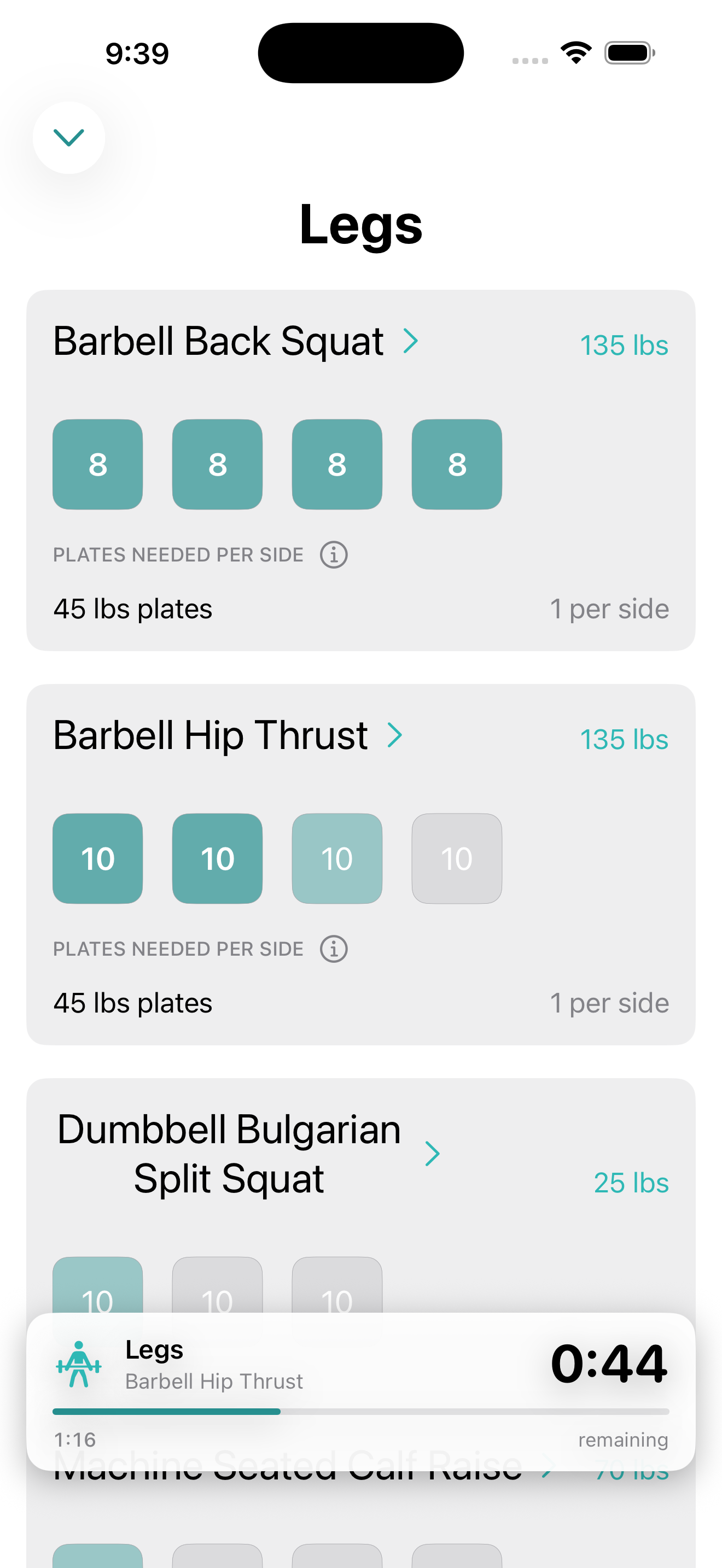
Ocean
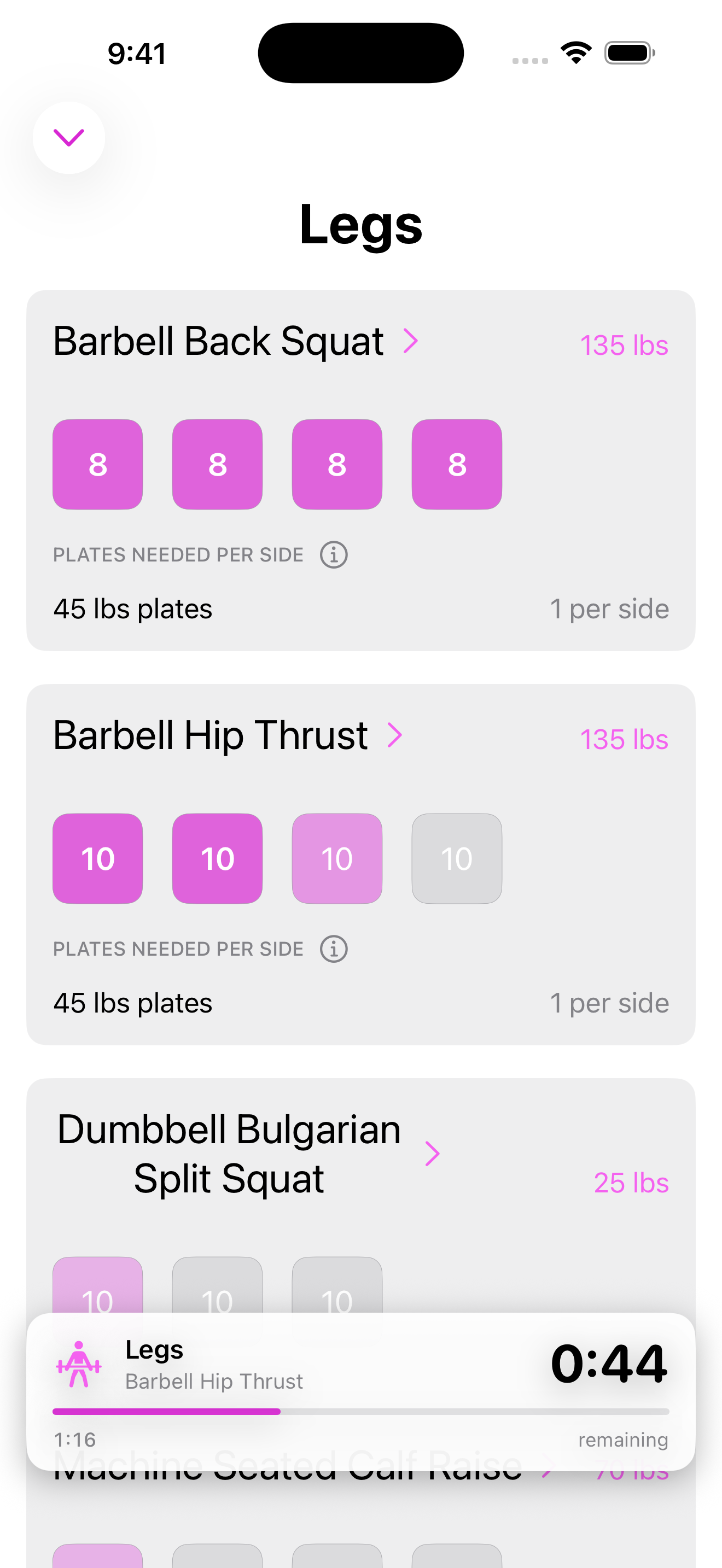
Bloom
Apple Ecosystem
Apple Watch
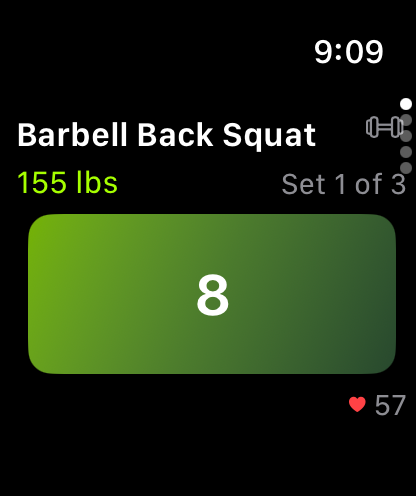
Workouts sync to your Health app automatically after every session.
Rest timer shows on your lock screen and in the Dynamic Island while you recover.
See your next scheduled workout at a glance without opening the app.
Progress your way. Free to download.